FRANCHISE EXPO PARIS APP: TUTORIAL

Follow the instructions to prepare and enhance your visit

1. Access the app

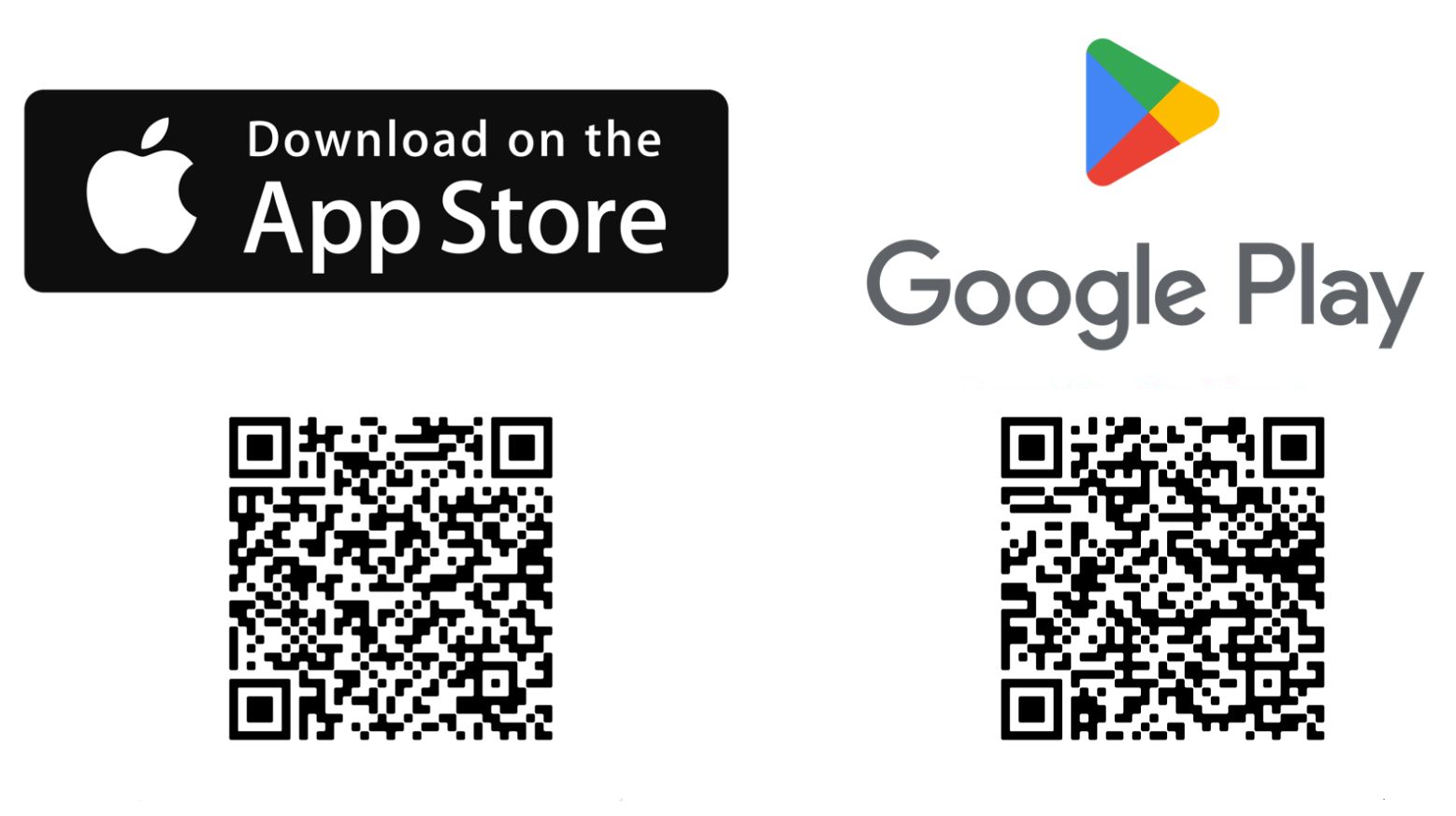
Download the Franchise Expo Paris app, available on iOS and Android.
Téléchargez l'appli mobile
Franchise Expo Paris

2. Log in

Launch the Franchise Expo Paris app, and scan the QR code below to link the app to your account. You will then be able to use it properly.
Or you can write the email address used when you ordered your badge, you will get a code by email.

Warning, you can try to log in 3 times, then you will have to wait 15 minutes to get a new code to log in.
1

Download Franchise Expo Paris app

2

Login with the QR code

3. Scan the exhibitors QR code

Cliquez sur le bouton central pour scanner le badge visiteur

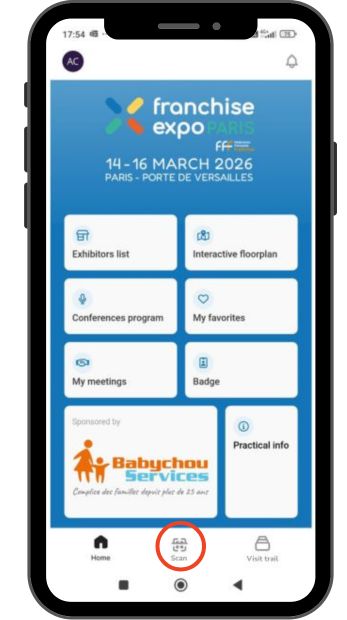
Step 1

Click on SCAN in the center to scan an exhibitor's QR code (you will find them on the floor in front of the booth).
You can still scan QR codes, even if you have no internet, and access the information later.
Placez la camera de votre smartphone devant le QRCode du badge visiteur

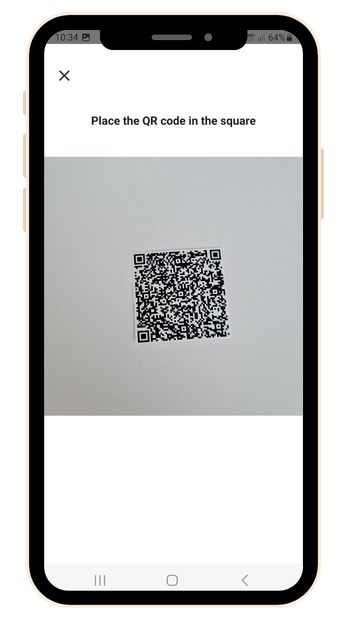
Step 2

Put your camera in front of the QR code, You will immediatly be redirected on the exhibitor's file.
Cliquez sur Qualifier pour renseigner les informations du contact

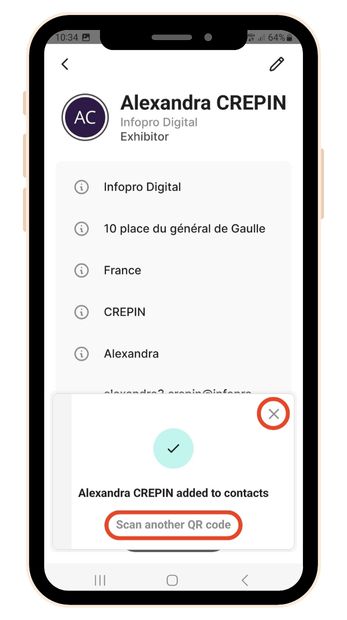
Step 3

On the contact page, close the pop up to access the information of the exhibitor.

4. Find them in your visitor's space

Retrouvez vos contacts
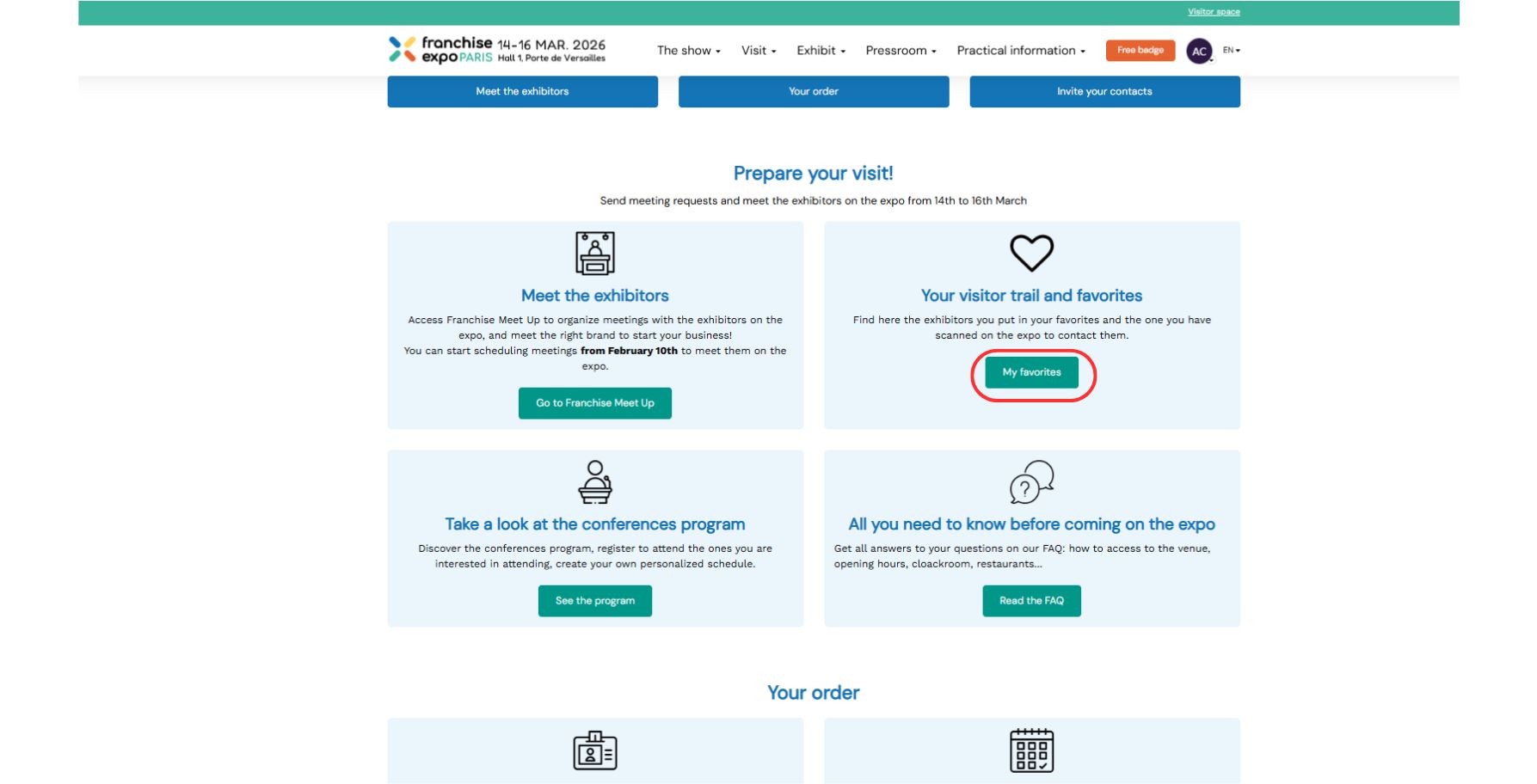
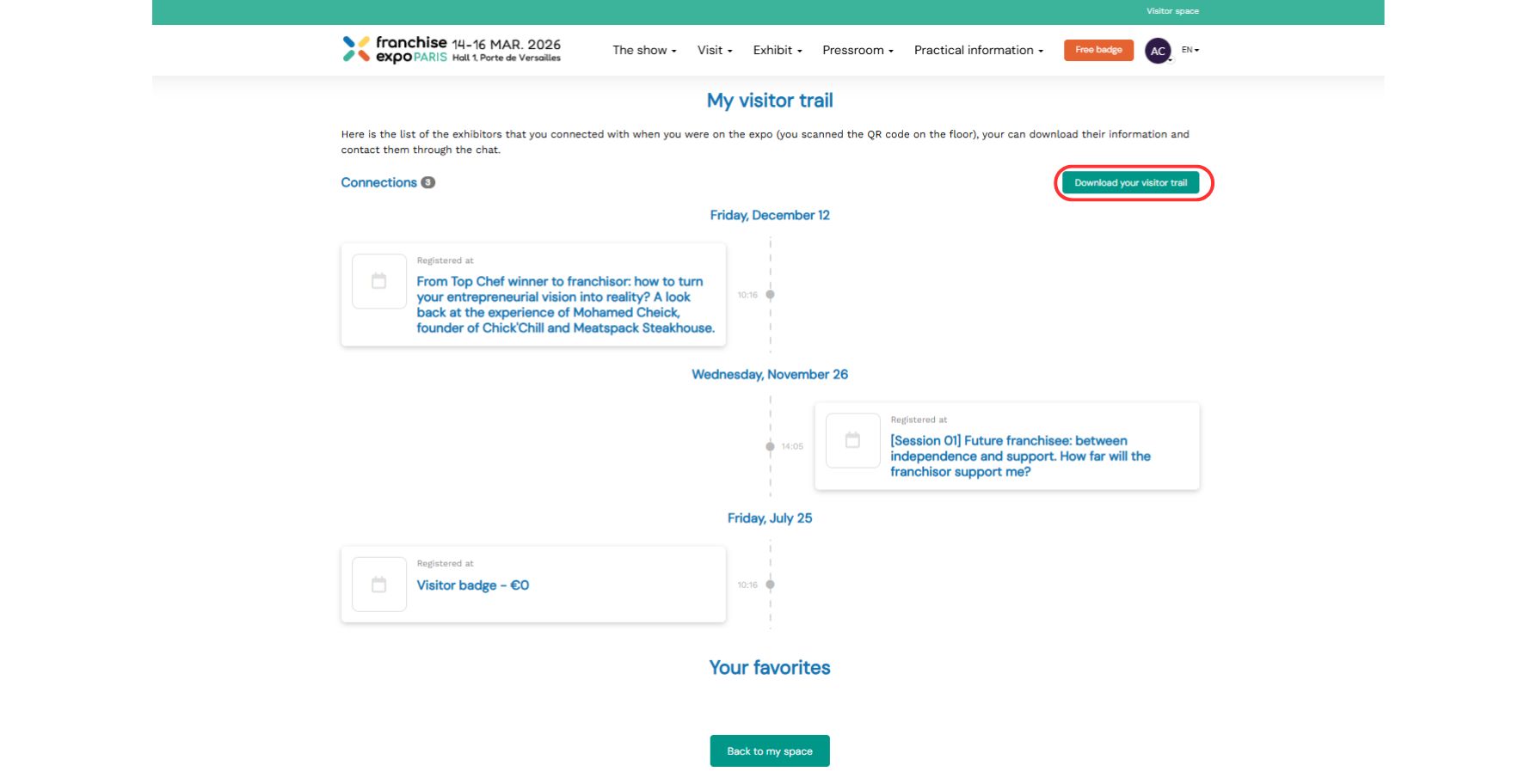
Find your contacts anytime on your visitor's space, in "Your favorites and visitor trail".
vos leads
To download the list, click on DOWNLOAD YOUR VISITOR TRAIL. You will get an Excel file by email.
×

Téléchargez l'application !

Pour une meilleure expérience et optimiser votre visite, téléchargez notre application.